Unpublish or close a job
Take a job off the website once you've filled the role, without losing the applications.
Leitura: 3 minAtualizado a 11 de novembro de 2026
Este guia ainda não está no seu idioma: mostramo-lo em inglês.
Once you've filled the role, close the job so people stop applying. The applications stay in the portal.
Before you start
- The owner and people with the Admin or Manager role can do this.
- If the job has a Closes on date, it closes by itself: it stays open all that day and disappears from the guide when the day ends. In the portal's list it then says Closed. This guide is for closing it earlier, or when it has no date.
What you'll get: the job disappears from the guide's jobs page and from your listing.
Choose how to close it
| Option | What happens | When to use it |
|---|---|---|
| Draft | It stops showing. You can publish it again. | A pause: you want to reopen it soon. |
| Archived | It stops showing and is closed. You keep the applications. | You've filled the role. Recommended. |
| Closes on | It stops showing when that day ends. The portal says Closed. You keep the applications. | You know in advance until when you'll take applications. |
| Delete job | The job and all its applications are deleted. It can't be undone. | Only if you created it by mistake. |
Steps
In the location menu, tap Jobs.
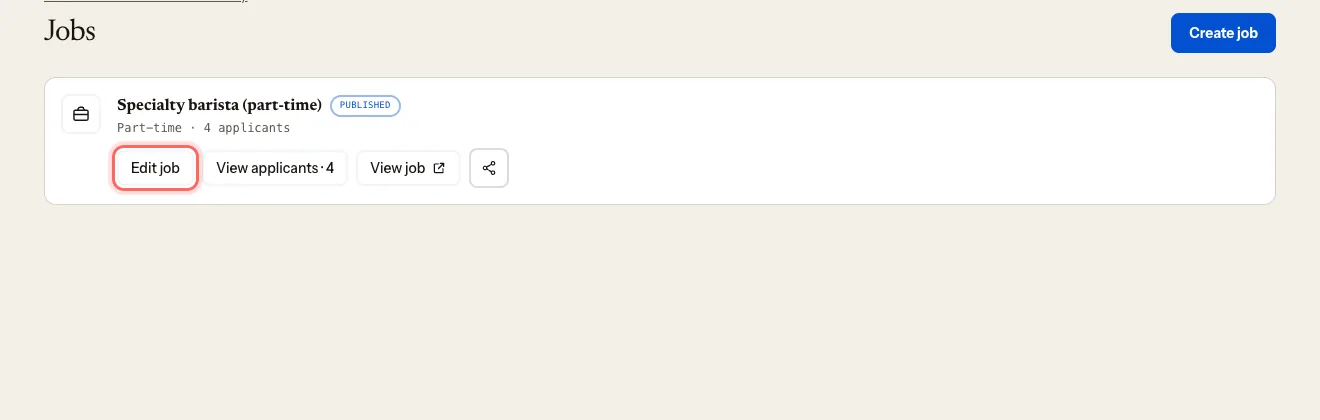
On the job, tap Edit job.
Under Status, choose Archived (or Draft).
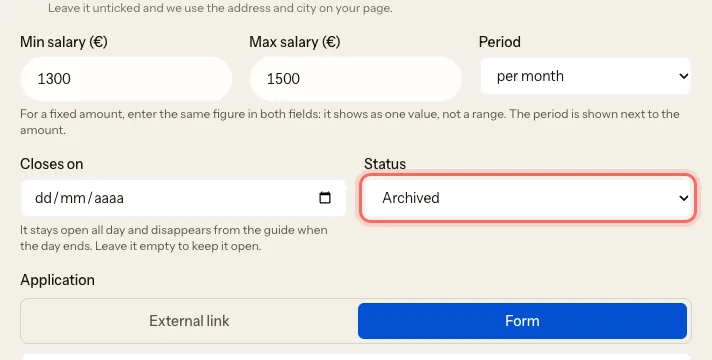
Tap Save.
If you want to delete it
Open the job with Edit job.
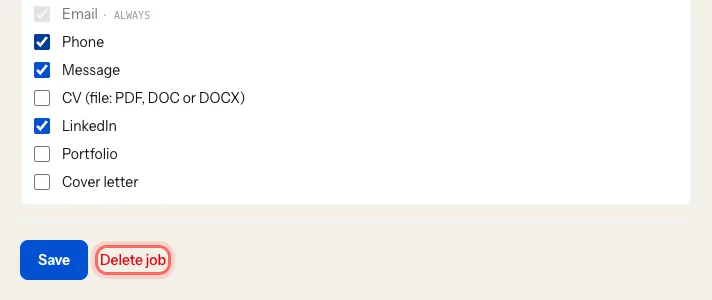
Tap Delete job.
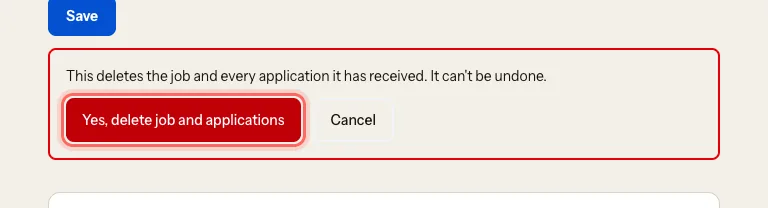
A warning appears: This deletes the job and every application it has received. It can't be undone. Tap Yes, delete job and applications, or Cancel if you change your mind.
What happens next
- The job disappears from the website as soon as you save.
- The applications stay under Applicants, inside the job.
Troubleshooting
I want to reopen an archived job. Open it with Edit job, set Status to Published and tap Save.
I want to reopen a job that says "Closed". Its Closes on date has passed. Open it with Edit job, set a new date or clear Closes on, and tap Save.
I deleted a job by mistake. It can't be recovered. Create it again with Create job.
Este guia foi útil?