Bulk-upload coffees
Upload a whole season's catalogue in one go with a CSV file, instead of coffee by coffee.
読了時間:4 min2026年11月11日 更新
このガイドはまだお使いの言語に対応していないため、英語で表示しています。
If you have lots of coffees, upload them with a file. Each coffee is created and linked to its farm, and then you complete the variety and process on each one.
Before you start
- You need to be the verified owner of the profile, or be on its team with the Admin or Manager role.
- The farms must already be in the guide. A coffee without a farm isn't created. If one is missing, add it first: Add a missing farm and invite it.
- You need a spreadsheet app (Excel, Google Sheets, Numbers) that can save as CSV.
- Up to 200 coffees per file.
What you'll get: all your coffees created at once, as drafts.
Steps
1. Prepare the file
In Our catalogue, scroll down to Add coffees in bulk.
Tap Download the template. It downloads
cafes.csv.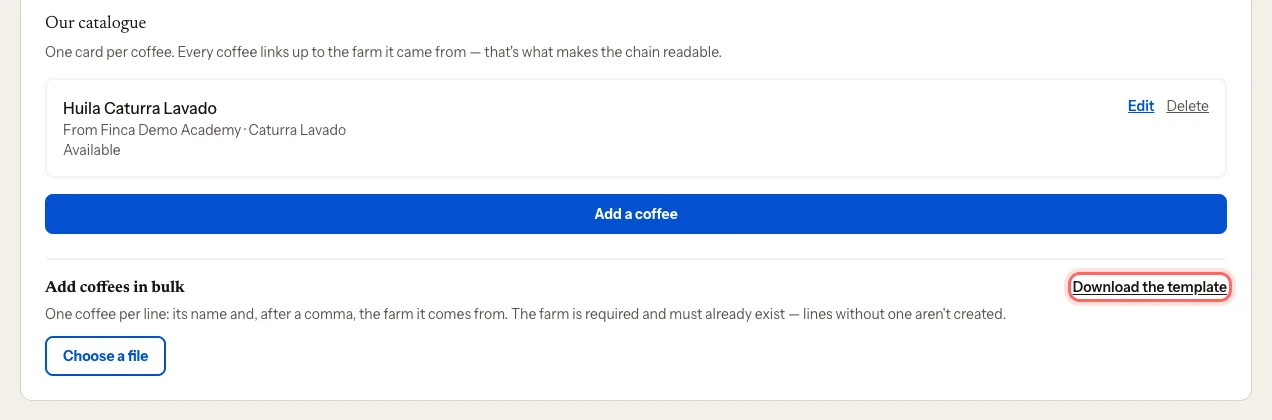
Open it in your spreadsheet app. Fill in one row per coffee:
- Name: the coffee's name.
- Farm it comes from (must already be in the guide): the farm's name, as it appears in the guide.
Delete the sample rows and don't change the first row (the column names).
Save the file as CSV.
2. Upload it
Tap Choose a file and pick your CSV.
You'll see the list of coffees. Next to each one, the portal suggests the farm that matches what you typed. Check them and change any that are wrong.
If a coffee says No farm — won't be created, pick its farm from the dropdown or leave it out.
Tap Create {number} coffees.
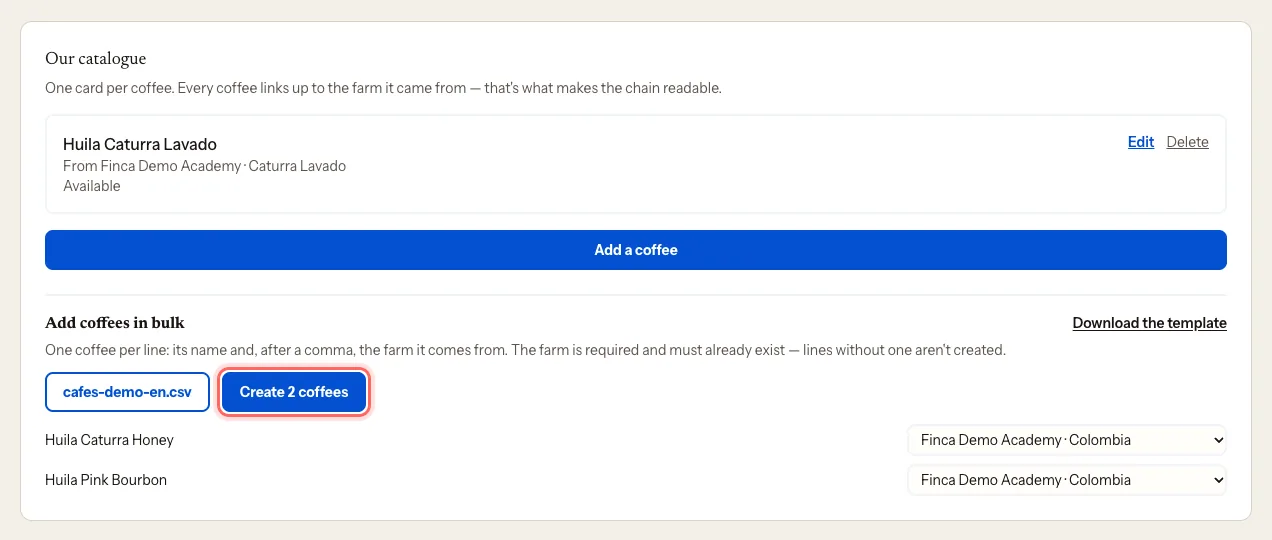
You'll see how many were created ({number} created as drafts) and, if any weren't, how many were skipped.
3. Complete each coffee
Coffees are created with just their name and farm. For each one:
- Tap Edit on its card.
- Choose Varieties, Processes and Tasting notes, plus anything else you want to add (availability, harvest, SCA).
- Tap Save coffee.
Without a variety and a process, the card reminds you with Missing:.
What happens next
The coffees appear in Our catalogue marked in review. Our team reviews and publishes them.
Common issues
I see "No rows with data". The first row doesn't have the template's column names. Start again from the downloaded template.
I see "That file has more than 200 rows". Split the coffees across several smaller files.
The portal suggests the wrong farm. Change it in the dropdown before tapping Create. A coffee hanging off someone else's farm is the hardest mistake to spot later.
My spreadsheet won't save as CSV. In Google Sheets: File → Download → Comma-separated values (.csv). In Excel: Save As → CSV UTF-8.
このガイドは役に立ちましたか?