Edit your listing: photos, hours and features
Update your coffee shop's description, photos, opening hours, contact details and features.
읽는 시간: 4 min2026년 11월 11일 업데이트
이 가이드는 아직 사용하시는 언어로 제공되지 않아 영어로 보여드립니다.
Your listing is what people see on the map. The more complete it is, the easier it is for them to pick you.
Before you start
- The listing must be verified in your name: Claim your coffee shop.
- The owner and team members with the Admin or Manager role can edit it.
- Have a few good photos of the shop, the bar and the coffee ready. Any format works — we resize them on upload.
What you'll get: a complete listing, in all seven languages of the guide.
Steps
On your coffee shop's dashboard, tap Edit my coffee shop (or Edit in the menu).
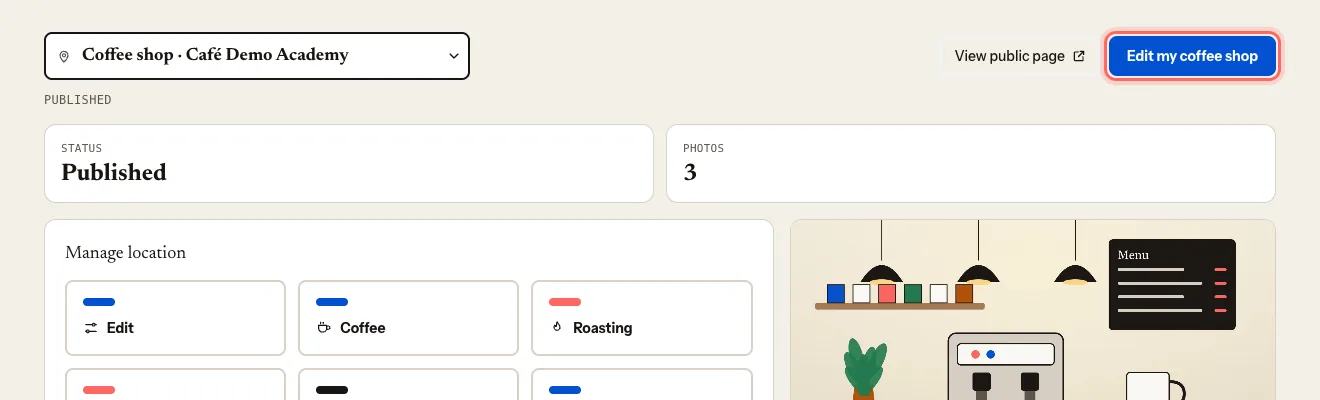
Under Description, write:
- Short description: a one-line hook, 160 characters max.
- Full description: what makes your coffee shop special. Write them in your own language — we translate them into the others.
Under Contact, check the Phone, Email and Website. Add your Social media (Instagram, Facebook, TikTok).
Choose your Price range and Service: Dine-in, Takeaway or Both.
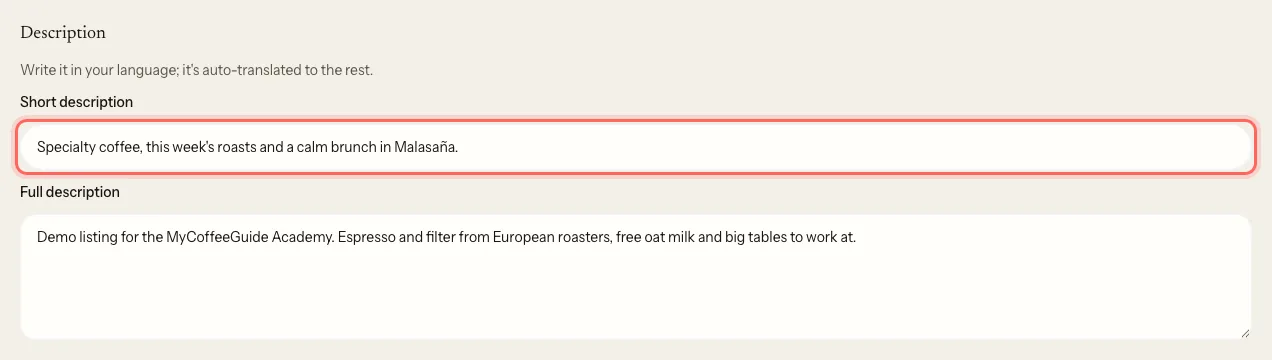
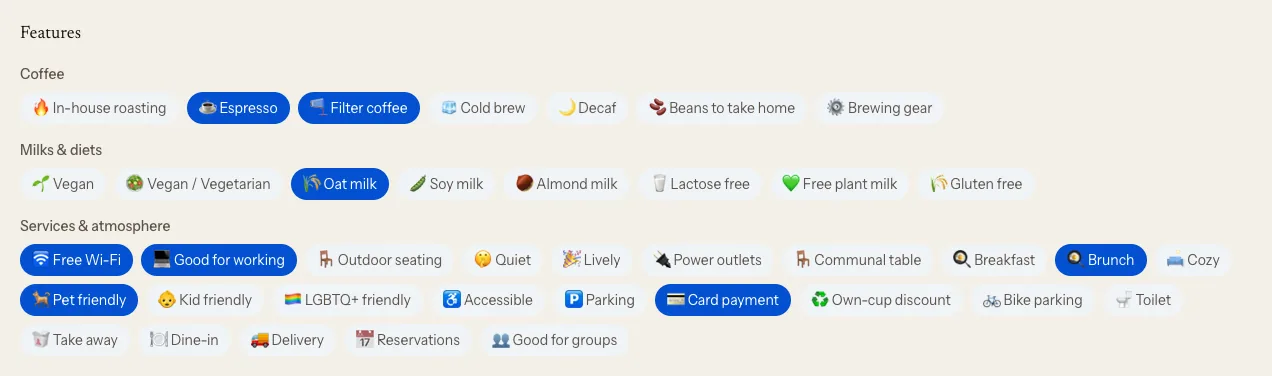
Under Features, tick what you offer.
Under Type of venue, choose what your place is: Coffee shop, Roastery, Bakery, Brunch… It sets your pin icon on the map and which filter you appear under.
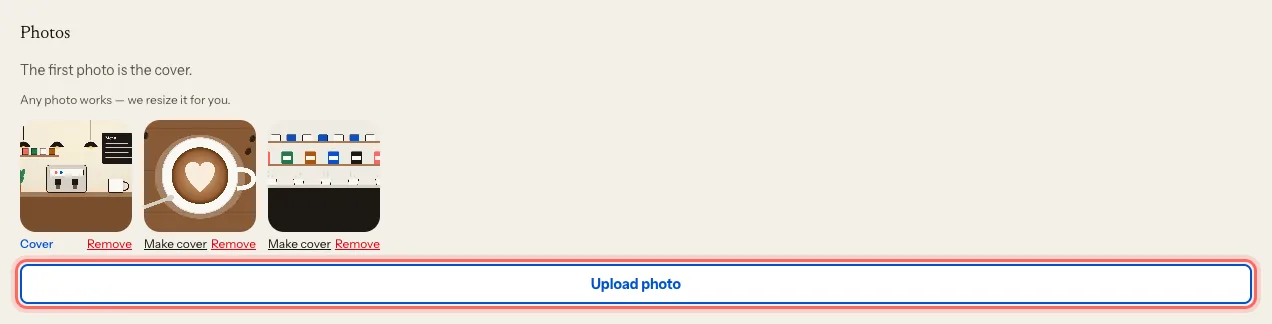
Under Photos, tap Upload photo. The first one is the cover; to change it, tap Make cover on another photo.
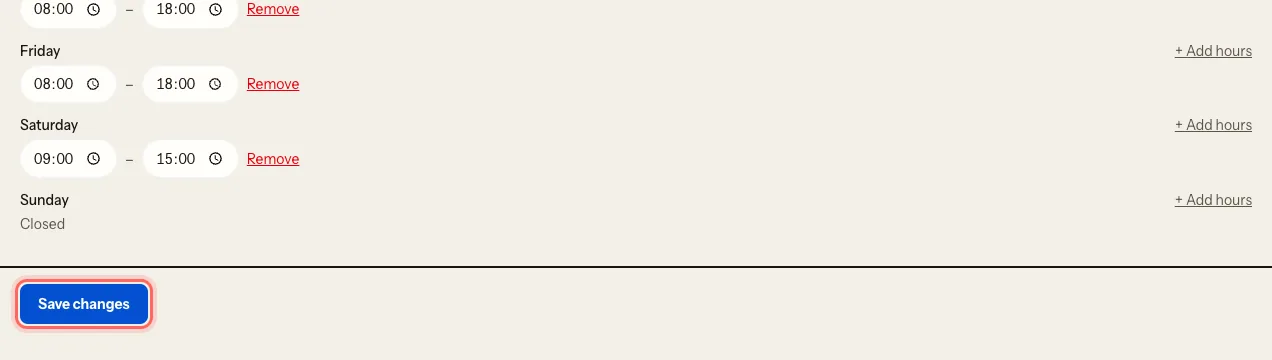
Under Opening hours, set the hours for each day. If you open in two shifts, tap + Add hours. Mark the days you don't open as Closed.
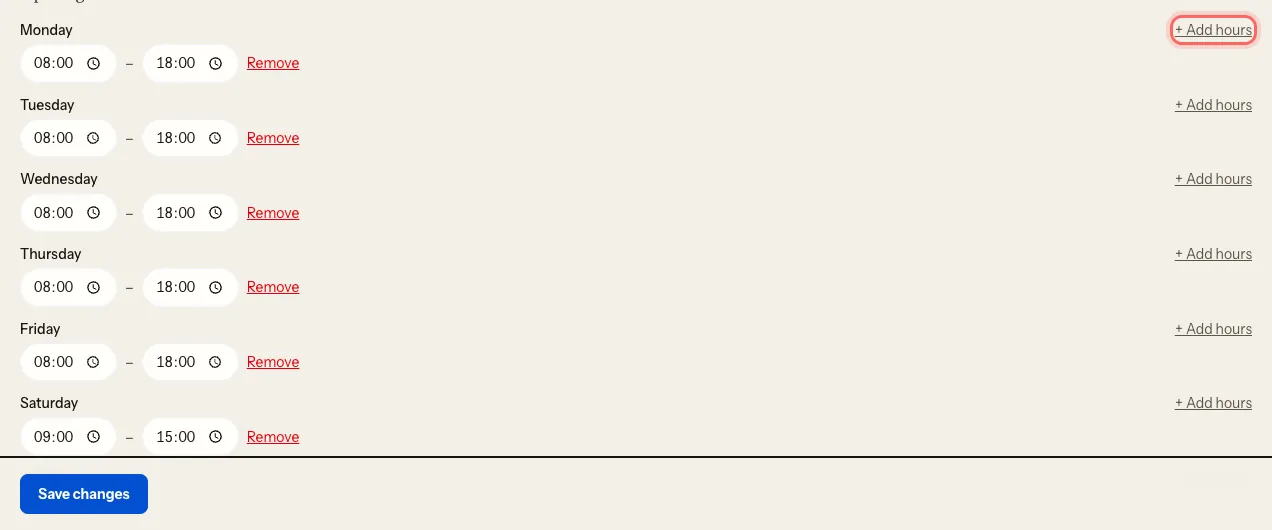
Tap Save changes.
What happens next
Your changes show on your public listing straight away. Descriptions take a little longer to appear in the other languages.
On the same page you'll see Details our team manages: name, page address, address and visibility. You don't change those directly — you ask us: Request a name, address or location change.
Troubleshooting
I get a photo limit message. Delete one with Remove to upload another. The portal shows you the options you have.
I get "We couldn't read that photo". If it came from an iPhone, save it as JPG and upload it again.
I don't see "Edit my coffee shop". Your team role is Viewer. Ask whoever manages the listing to change your role.
이 가이드가 도움이 되었나요?
다음 단계
Invite your team and choose rolesGive your manager, your business partner or your agency access to the portal, with the permissions each one needs.관련 가이드
- Request a name, address or location changeYour listing's name, address, map pin and visibility are changed by our team. Here's how to ask.
- Show the coffee you serve and turn on the roaster roleSay whose coffee you brew and, if you roast, publish your catalogue and the coffee shops that serve it.
- Manage several locationsRun all your coffee shops from one account and switch between them in a click.