Claim your farm
If your farm is already on the Origin Map, claim it to manage its page and its coffees.
読了時間:4 min2026年11月11日 更新
このガイドはまだお使いの言語に対応していないため、英語で表示しています。
Many farms are already on the Origin Map, sometimes because an importer added them. Claim yours and your name travels with your coffee all the way to the cup.
Before you start
- You need an email address or a phone number to sign in to the portal.
- If you got an invitation by email, skip to step 3.
What you'll get: your farm's page is in your name and you can edit it and add your coffees.
Steps
1. Find your farm and ask for it
From your farm's page on mycoffee.guide
Find your farm on the Origin Map.
Open its page.
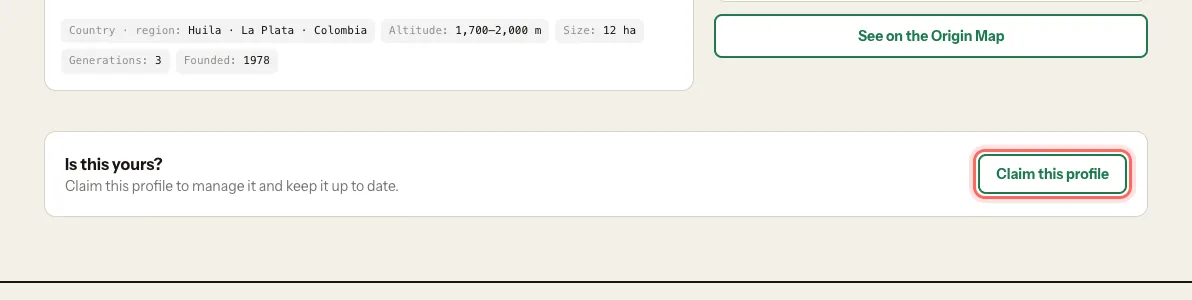
Under Is this yours?, tap Claim this profile.
Sign in to the portal. You can use Continue with Google, Email me a sign-in link or Text me a code.
From the portal
Go to login.mycoffee.guide.
Under What do you run?, choose Farm.
Type your farm's name.
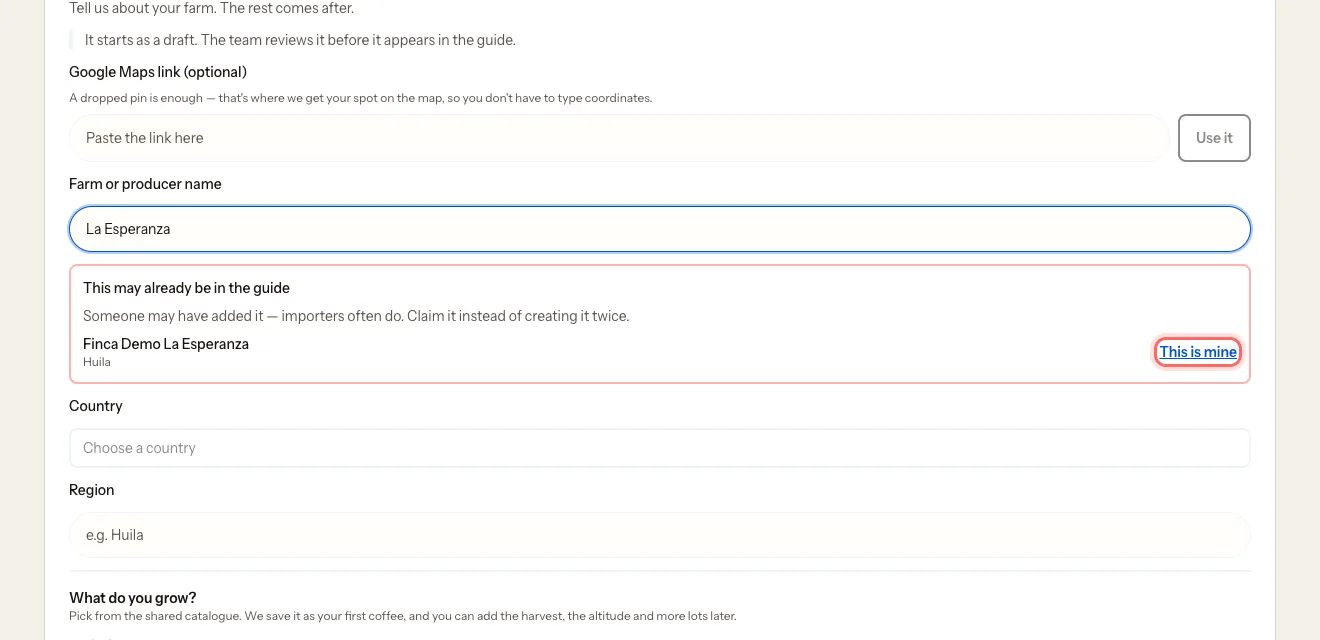
If you see This may already be in the guide, tap This is mine.
The first time, before What do you run?, the portal asks for your name and city and then for your details under a second First, tell us who you are screen: your name, Your role in the business, contact email and phone. Only our team sees them. Tap Continue.
If you came from your farm's page, the claim carries on by itself when you tap Continue: there's no need to go back to the page.
2. Confirm it's yours
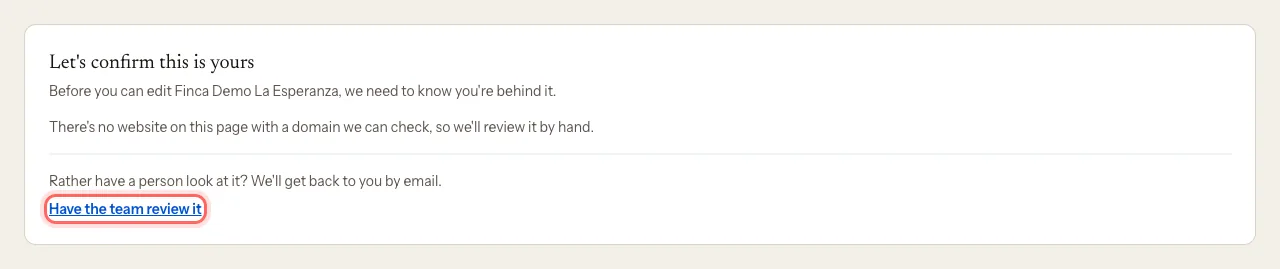
You'll see Let's confirm this is yours. There are two ways.
With an email on your domain (only if the farm has a website and you signed in with an email on that website)
- Tap Send me the code.
- Enter the six digits in Your code.
- Tap Confirm.
With a review by our team (the most common)
Most farms don't have a website. In that case we check it by hand. That's normal.
Tap Have the team review it.
You'll get an email confirming we've received your request.
We'll write to you once it's reviewed.
3. If you were invited by email
Our team or an importer can invite you. The email says Claim {name} on My Coffee Guide.
- Tap Claim the page in the email.
- Sign in to the portal with the same email address the invitation was sent to.
- Tap Manage my farm.
The farm is yours straight away, with no further review.
What happens next
- With a code or an invitation: the farm is yours right away and you land in its dashboard.
- With a team review: we'll email you once it's approved. Until then you can't edit the page.
Common problems
I see "This invitation is for…". You signed in with a different email. Tap Sign in with another account and use the email the invitation was sent to.
I see "This invitation has expired". Invitations last 30 days. Ask whoever invited you for a new one, or write to us.
The code doesn't work. It expires after 10 minutes and allows five attempts. Tap Send it again.
I see "This claim wasn't approved". We couldn't confirm the farm is yours. Write to us at mycoffee.guide/contacto and we'll look at it again.
I can't find my farm. It may not be listed yet. Create it: Create your farm profile.
このガイドは役に立ちましたか?