Edit your listing: photos, hours and features
Update your coffee shop's description, photos, opening hours, contact details and features.
Lecture : 4 minMis à jour le 11 novembre 2026
Ce guide n’est pas encore disponible dans votre langue : nous l’affichons en anglais.
Your listing is what people see on the map. The more complete it is, the easier it is for them to pick you.
Before you start
- The listing must be verified in your name: Claim your coffee shop.
- The owner and team members with the Admin or Manager role can edit it.
- Have a few good photos of the shop, the bar and the coffee ready. Any format works — we resize them on upload.
What you'll get: a complete listing, in all seven languages of the guide.
Steps
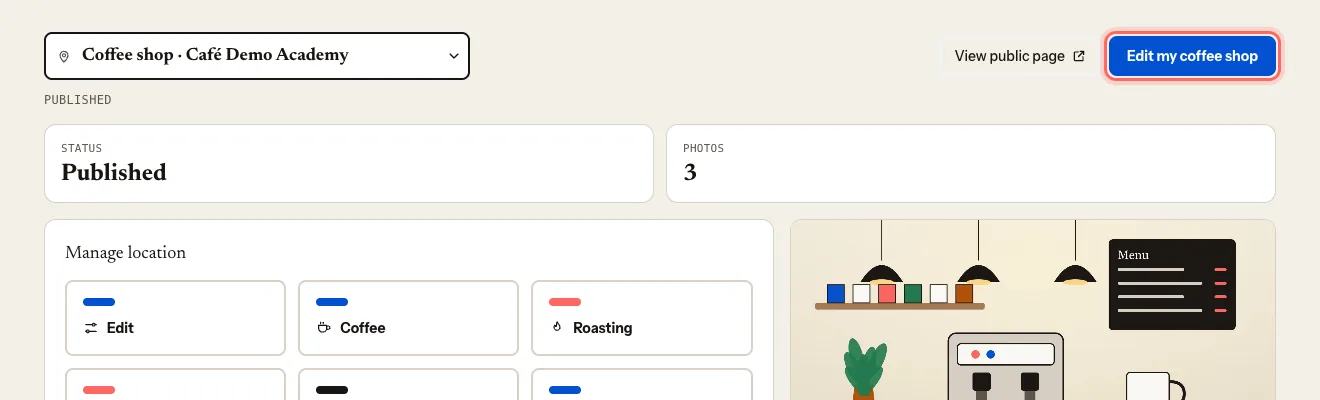
On your coffee shop's dashboard, tap Edit my coffee shop (or Edit in the menu).
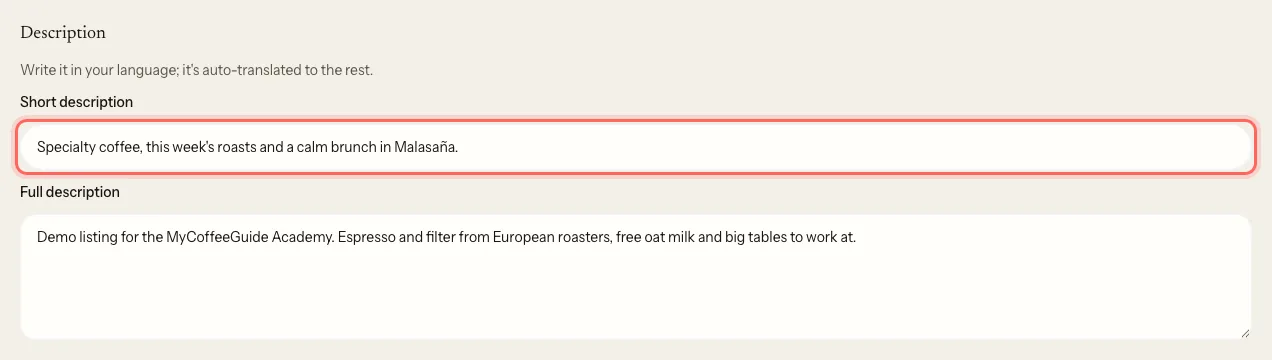
Under Description, write:
- Short description: a one-line hook, 160 characters max.
- Full description: what makes your coffee shop special. Write them in your own language — we translate them into the others.
Under Contact, check the Phone, Email and Website. Add your Social media (Instagram, Facebook, TikTok).
Choose your Price range and Service: Dine-in, Takeaway or Both.
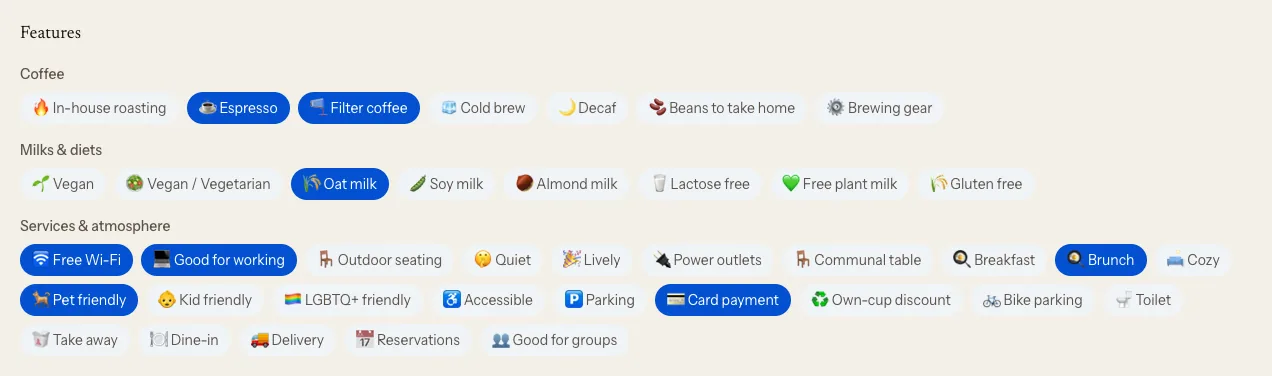
Under Features, tick what you offer.
Under Type of venue, choose what your place is: Coffee shop, Roastery, Bakery, Brunch… It sets your pin icon on the map and which filter you appear under.
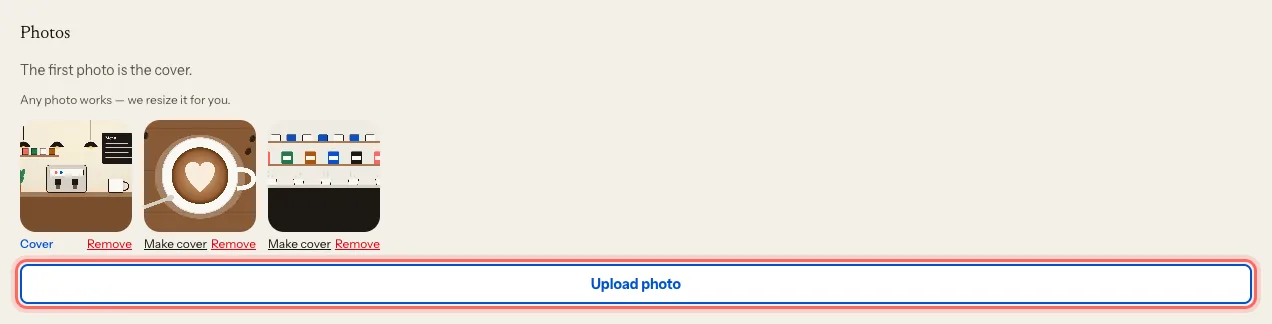
Under Photos, tap Upload photo. The first one is the cover; to change it, tap Make cover on another photo.
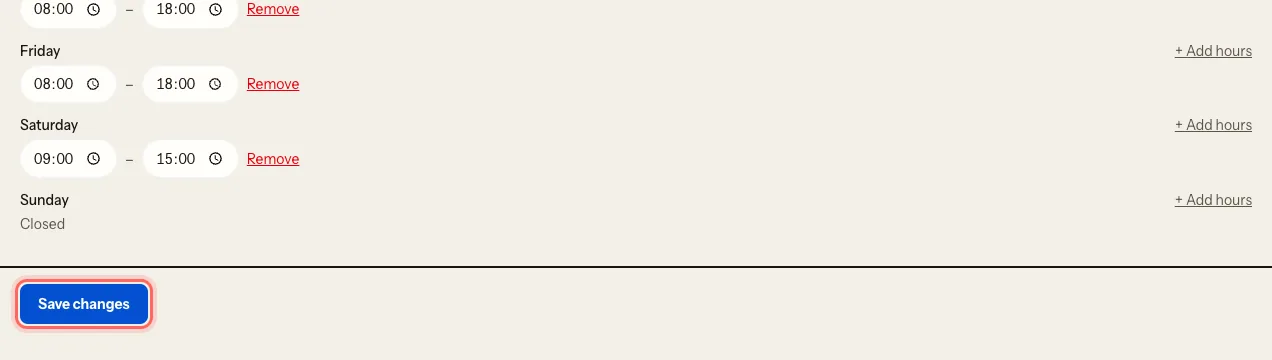
Under Opening hours, set the hours for each day. If you open in two shifts, tap + Add hours. Mark the days you don't open as Closed.
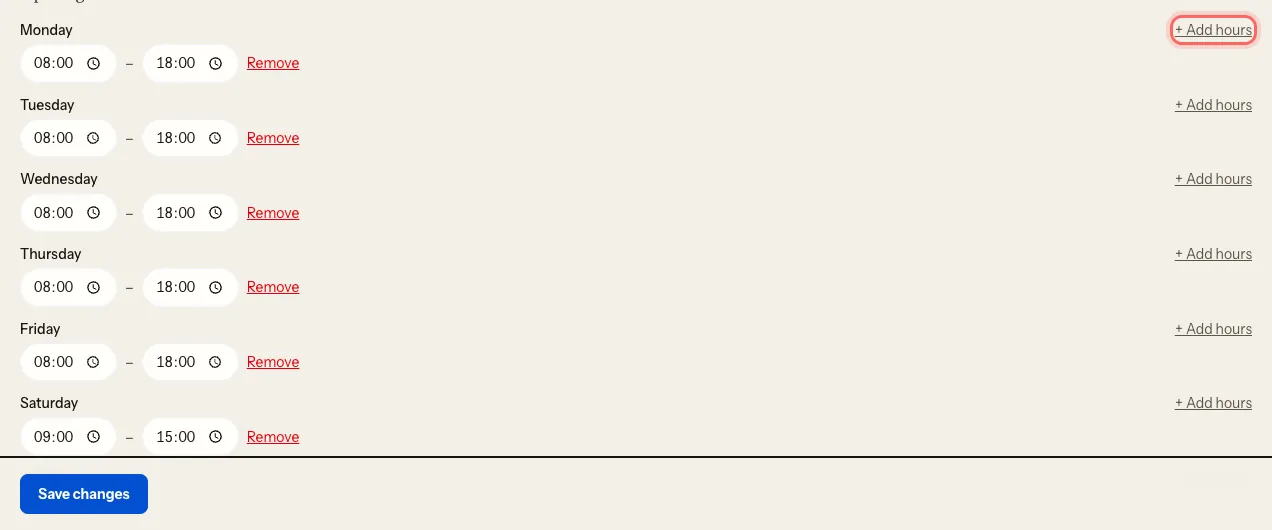
Tap Save changes.
What happens next
Your changes show on your public listing straight away. Descriptions take a little longer to appear in the other languages.
On the same page you'll see Details our team manages: name, page address, address and visibility. You don't change those directly — you ask us: Request a name, address or location change.
Troubleshooting
I get a photo limit message. Delete one with Remove to upload another. The portal shows you the options you have.
I get "We couldn't read that photo". If it came from an iPhone, save it as JPG and upload it again.
I don't see "Edit my coffee shop". Your team role is Viewer. Ask whoever manages the listing to change your role.
Ce guide vous a-t-il aidé ?
Étape suivante
Invite your team and choose rolesGive your manager, your business partner or your agency access to the portal, with the permissions each one needs.Guides associés
- Request a name, address or location changeYour listing's name, address, map pin and visibility are changed by our team. Here's how to ask.
- Show the coffee you serve and turn on the roaster roleSay whose coffee you brew and, if you roast, publish your catalogue and the coffee shops that serve it.
- Manage several locationsRun all your coffee shops from one account and switch between them in a click.