Add a coffee lot
Each lot is a card with its variety, process and harvest. A farm needs at least one to go live.
Reading time: 4 minUpdated November 11, 2026
Your lots are what connect your farm to the roasters and coffee shops serving your coffee.
Before you start
- The farm must be yours and verified, or you must be on its team with the Admin or Manager role.
- For each lot, have ready: the variety, the process and the harvest year. The SCA score and tasting notes are optional.
What you'll get: a coffee on your page. Your farm's varieties, processes and altitude are worked out automatically from your lots.
Steps
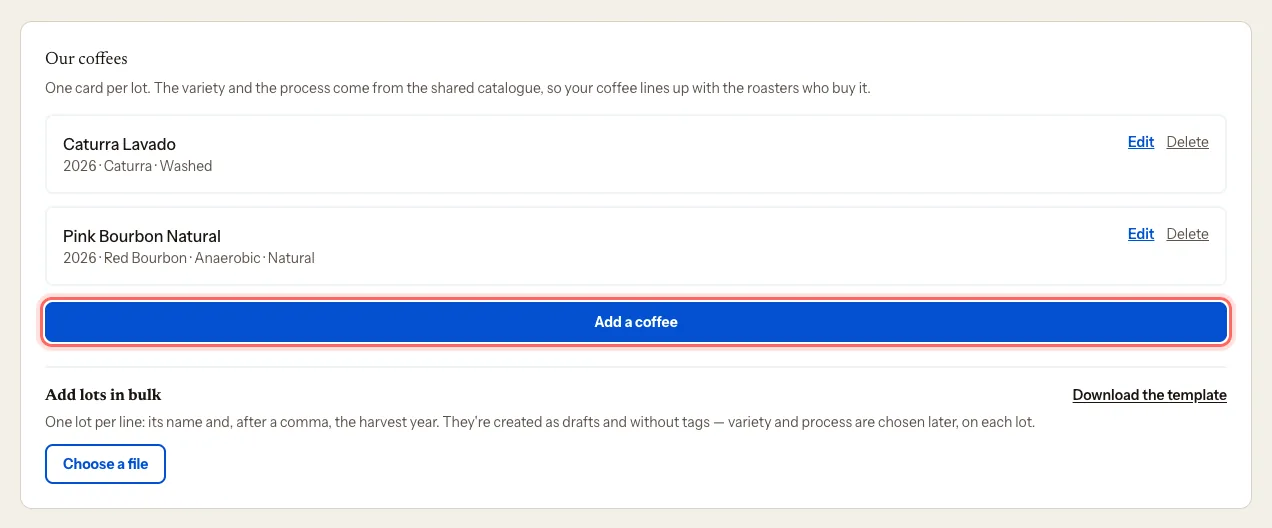
Open your farm's dashboard and scroll down to Our coffees.
Tap Add a coffee.
If you like, enter the Lot name, the way you call it.
Enter the Harvest year.
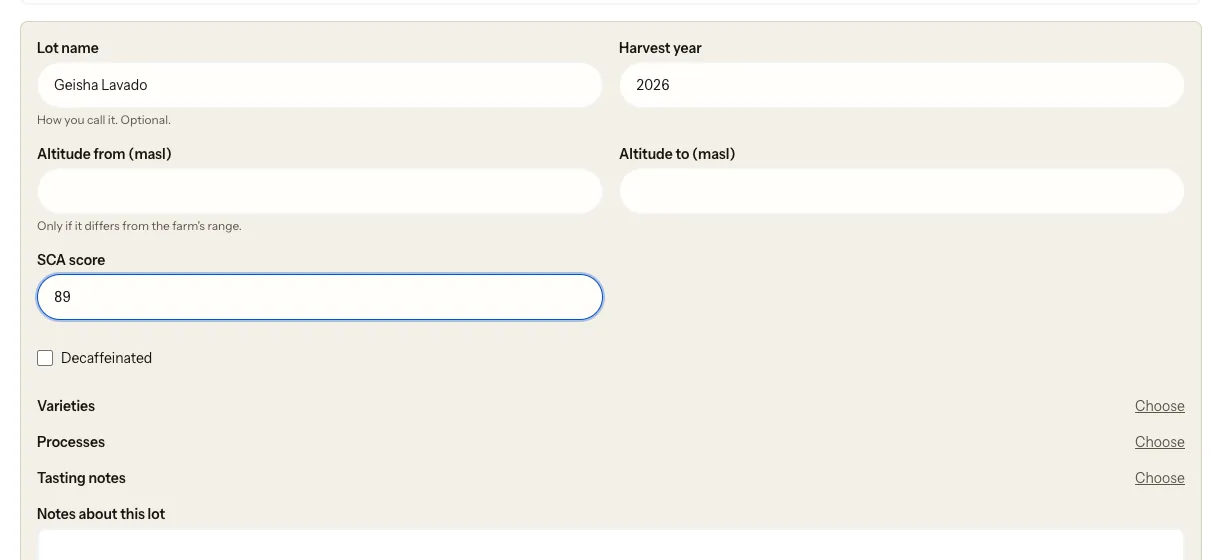
Fill in Altitude from (masl) and Altitude to (masl) only if this lot is at a different altitude from the farm.
If you have one, enter the SCA score.
Under Varieties, tap Choose, search and tick yours. Tap Close.
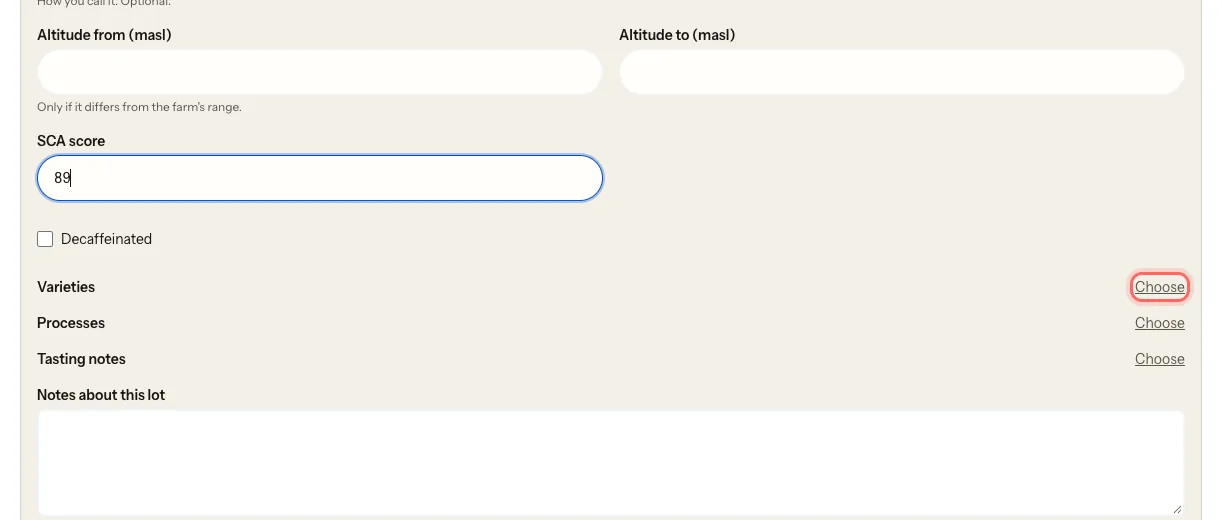
If the lot is decaf, tick Decaffeinated. Do it before you choose the processes.
Under Processes, tap Choose and tick the process. Read the rule below.
If you like, add Tasting notes the same way.
Under Notes about this lot, add anything you want: drying, picking, the story.
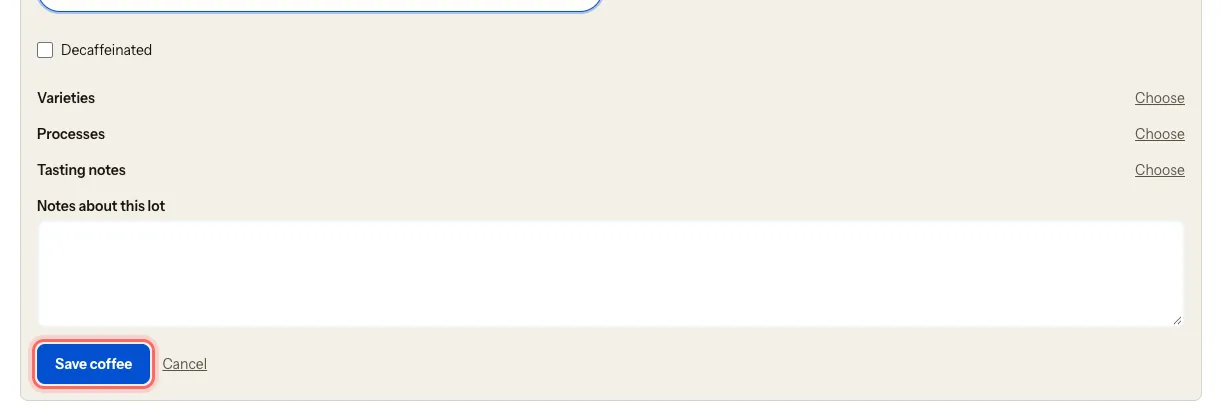
Tap Save coffee.
The process rule
Each lot has one base process only:
- Washed
- Natural
- Honey
- Wet-hulled
On top of the base process you can add:
- A honey colour (white, yellow, red, black or ungraded), only if the base is Honey. Tick Honey too.
- One or more fermentations: anaerobic, carbonic, lactic, extended…
For example, "anaerobic natural" is two tags: Natural + Anaerobic.
If the lot is decaf, also add a single decaf method, and tick the Decaffeinated box.
If something doesn't add up, the portal tells you under Processes and won't let you save until you fix it. For example, with two base processes you'll see Choose only one base process (washed, natural, honey…). Remove one and save.
What happens next
- The lot shows up as a card marked in review. Our team reviews it and publishes it. If it's decaf, the card says so: Decaf.
- You can Edit or Delete each lot at any time.
- If a lot is missing something, you'll see Missing: followed by what's missing, for example Missing: the variety. Tap Edit and complete it.
Common problems
My variety isn't in the list. Write to us at mycoffee.guide/contacto and we'll add it to the shared catalogue. Some tags show as not reviewed: our team is checking them.
I see "The coffee catalogue isn't available right now". Try again in a few minutes. You can save the lot without a variety or process and complete it later.
I see "A decaf method only applies to a decaf coffee". You chose a decaf method without ticking Decaffeinated. Tick the box or remove the method.
Was this guide helpful?