Post a job
Post a job on mycoffee.guide/empleos and receive applications in the portal.
Reading time: 4 minUpdated November 11, 2026
Hire a barista, a roaster or a shop manager from the people who follow specialty coffee. Your job shows on the guide's jobs page and on your listing.
Before you start
- The listing must be verified in your name.
- The owner and people with the Admin or Manager role can post jobs.
- Have the job title, a description and the salary ready.
What you'll get: a job published in seven languages, with an application form or a link to your website.
Steps
In the location menu, tap Jobs.
Tap Create job.
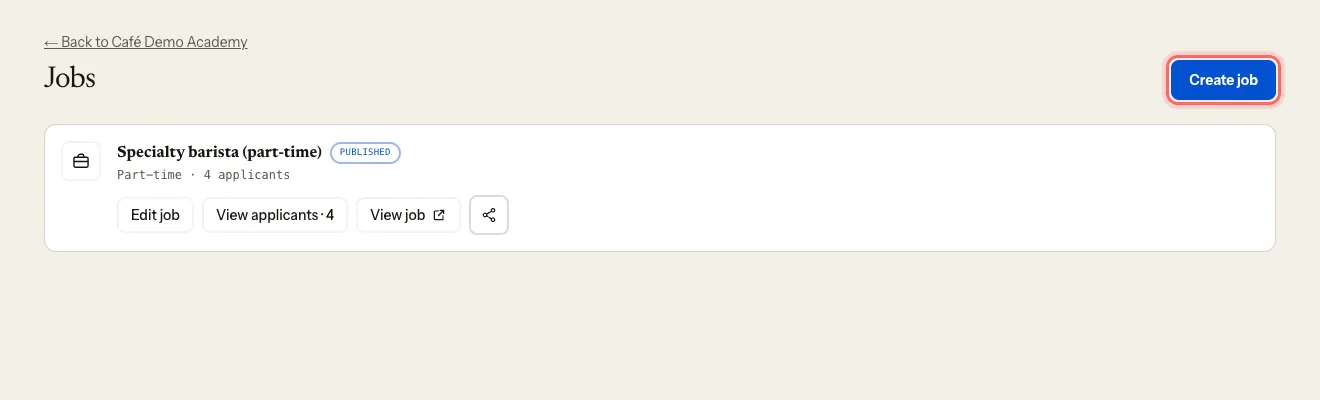
Enter the Title (the only required field) and the Description. Write them in your own language — they're translated automatically.
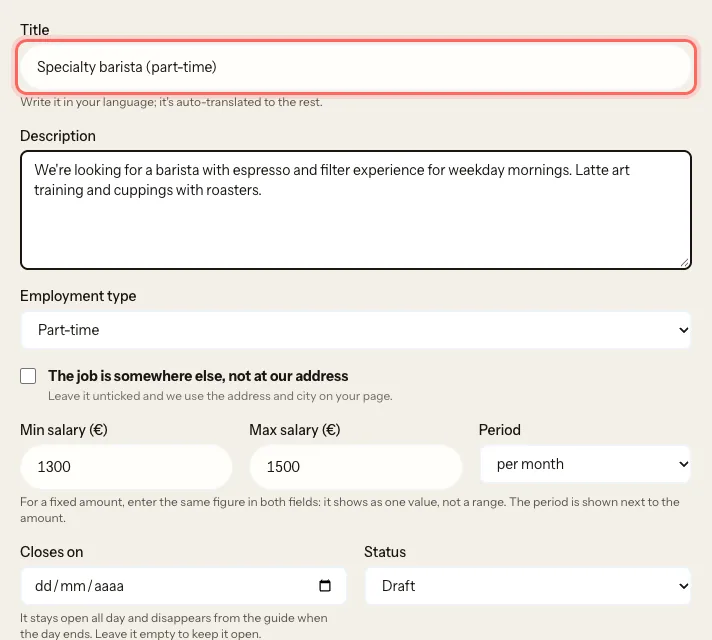
Choose the Employment type: Full-time, Part-time, Temporary or Internship.
Enter the Min salary (€), Max salary (€) and Period (per hour, per month or per year). For a fixed amount, enter the same figure in both.
If the job isn't at your coffee shop, tick The job is somewhere else, not at our address and add the address and city. Left unticked, we use the ones on your listing.
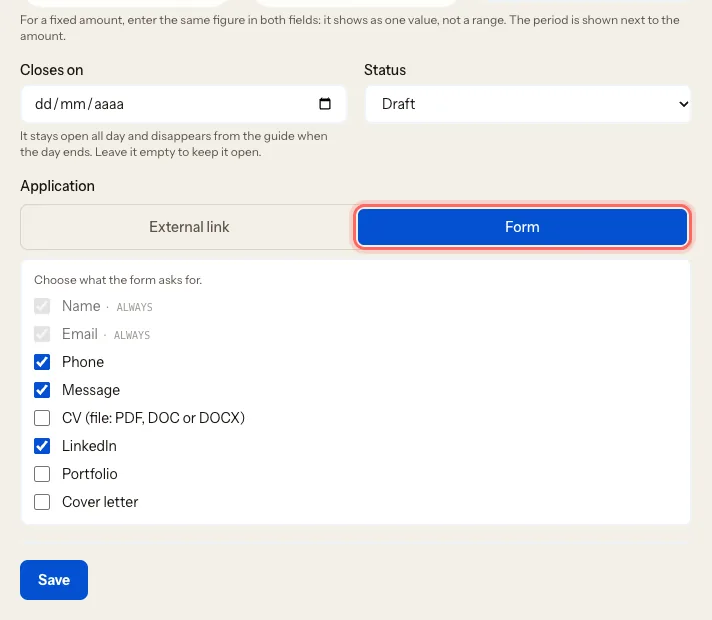
Optionally, set a date in Closes on. The job stays open all that day and disappears from the guide when the day ends. Leave it empty to keep it open.
Under Application, choose how applications reach you:
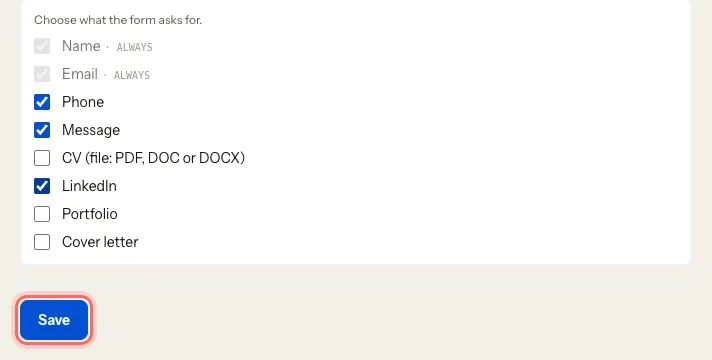
- Form: people apply on My Coffee Guide and you see their applications in the portal. Name and Email are always included; tick what else you want: Phone, Message, CV (file: PDF, DOC or DOCX), LinkedIn, Portfolio, Cover letter.
- External link: paste the address of your website or your own form. People head off there.
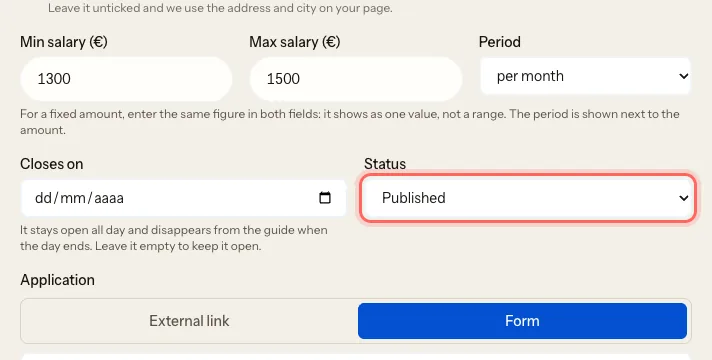
Under Status, choose Published. Careful: new jobs start as Draft, and nobody sees a draft.
Tap Save.
What happens next
- The job appears on mycoffee.guide's jobs page and on your listing. Tap View job to see it as everyone else does.
- With Form, every application is emailed to you and shows up in the portal: Track applications to a job.
- With External link, the portal only shows Link clicks — people apply on your site.
Troubleshooting
My job says "Closed" in the list. Its Closes on date has passed and it no longer shows on the guide. To reopen it, change the date or clear it and tap Save. If you fill the role sooner, set it to Archived: Unpublish or close a job.
I get a limit message when I publish. Archive a job you no longer need. The portal shows you the options you have.
I don't see "Jobs" or can't create one. Your listing isn't verified yet, or your role is Viewer.
Was this guide helpful?
Next step
Track applications to a jobSee who applied, download their CV, mark where each person stands and, if you want, show them.Related guides
- Unpublish or close a jobTake a job off the website once you've filled the role, without losing the applications.
- Publish an eventAnnounce a cupping, a workshop or a concert on your listing and in the guide's events listings.
- Invite your team and choose rolesGive your manager, your business partner or your agency access to the portal, with the permissions each one needs.