Unpublish an event
Take an event off the guide without losing it, or delete it for good.
阅读时间:2 min更新于 2026年11月11日
这篇指南还没有你的语言版本,因此以英文显示。
If an event is cancelled or fully booked, take it off the guide. You can keep it for later or delete it.
Before you start
- You need the Owner, Admin or Manager role.
- If anyone has already signed up, let them know yourself: the guide doesn't notify them when you unpublish. Their details are under Sign-ups: Track event sign-ups.
What you'll get: the event no longer shows on your listing or in the events listings.
Steps
Unpublish it and keep it
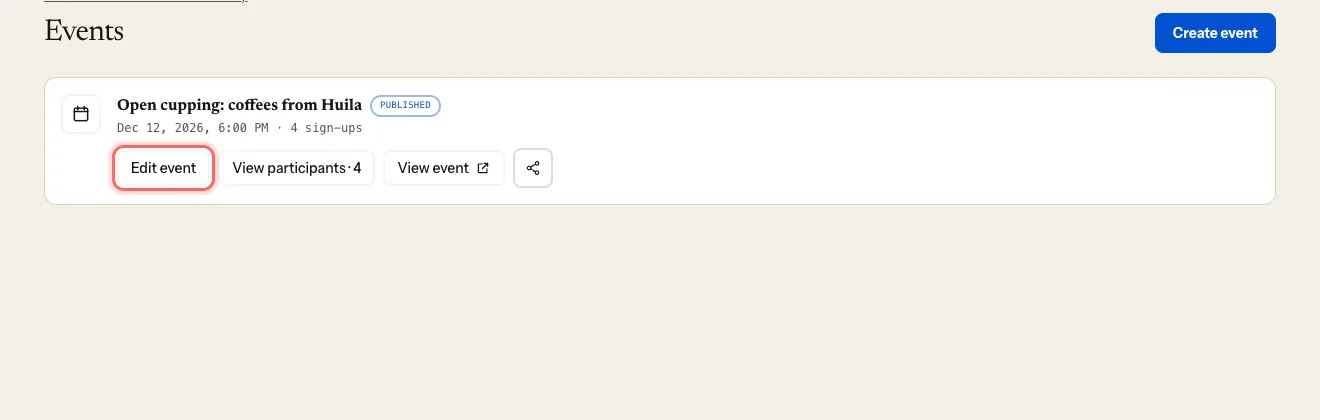
In your coffee shop's dashboard, go to Events.
Click Edit event on the one you want to take down.
Under Status, choose:
- Draft, if you'll publish it again (with a new date, say);
- Archived, if you won't use it again but want to keep it.
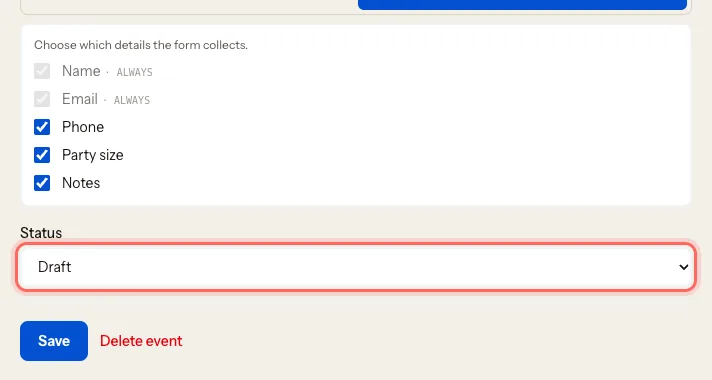
Click Save.
Delete it for good
Open the event with Edit event.
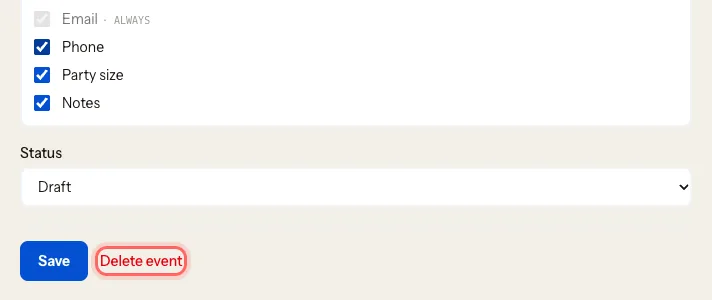
Click Delete event.
A warning appears: This deletes the event and everyone signed up for it. It can't be undone. Click Yes, delete event and sign-ups, or Cancel if you change your mind.
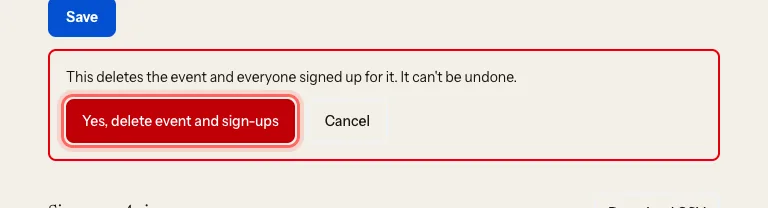
Careful: you lose the sign-up list too. If in doubt, use Archived.
What happens next
- The event disappears from the web straight away.
- Events drop out of the events listings on their own once they've started; you don't need to unpublish them.
Troubleshooting
I deleted it by mistake. It can't be recovered. Create it again with Create event.
I can still see the event on the web. Reload the page. If it's still there after a few minutes, write to us at mycoffee.guide/contacto.
这篇指南有帮助吗?