Find jobs and apply
Find speciality coffee jobs and send your application from your phone.
阅读时间:4 min更新于 2026年11月11日
这篇指南还没有你的语言版本,因此以英文显示。
Filter jobs by country, city and salary, and apply in a couple of minutes.
Before you start
- You don't need an account to browse jobs. To apply through the My Coffee Guide form, you do: sign in or create one on mycoffee.guide.
- Have your CV ready as a PDF, DOC or DOCX of up to 5 MB, in case the job asks for it.
What you'll get: your application reaches the coffee shop, and you keep a copy in your inbox and your account.
Steps
1. Find jobs
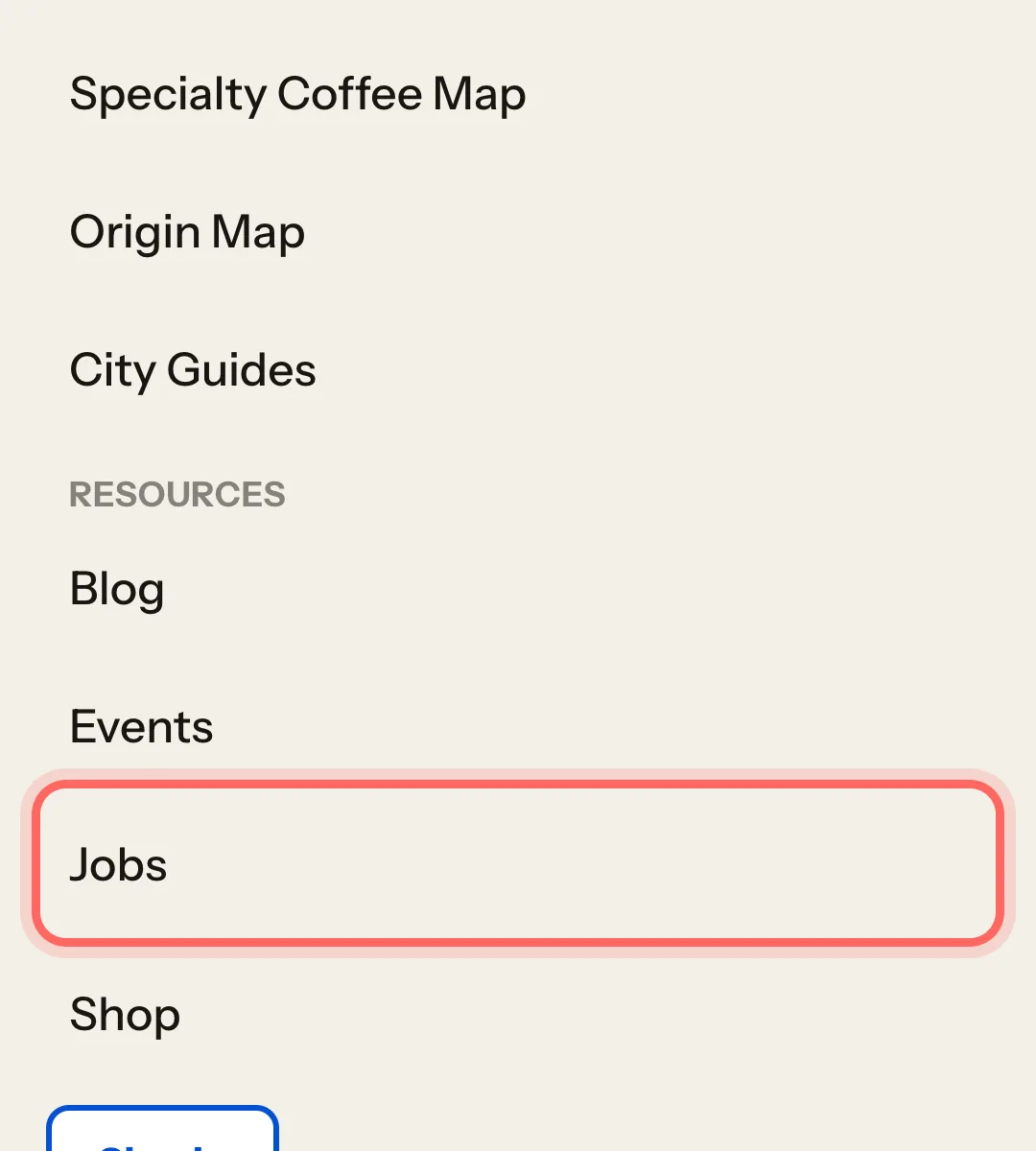
Go to mycoffee.guide and open Jobs in the menu. It's also in the footer.
Tap Filters to narrow things down:
- Country and City (only cities in the country you pick are shown).
- Salary range: Not specified / by the hour, Up to 2,000 €/month or Over 2,000 €/month.
- Business name, if you're looking for a particular coffee shop.
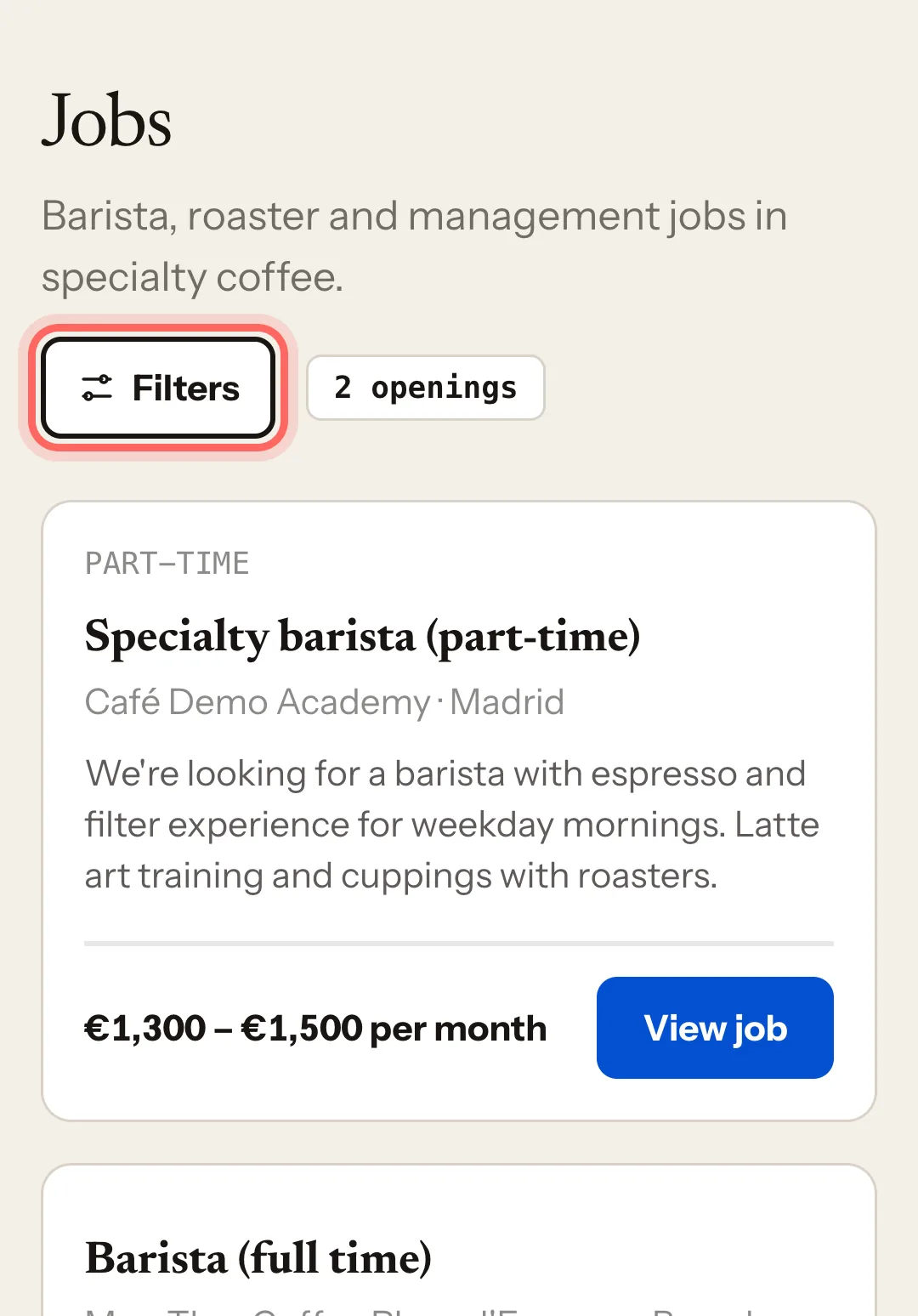
At the top you can see how many jobs match. To remove the filters, tap Clear all.
Your filters stay in place if you open a job and come back.
2. Open a job
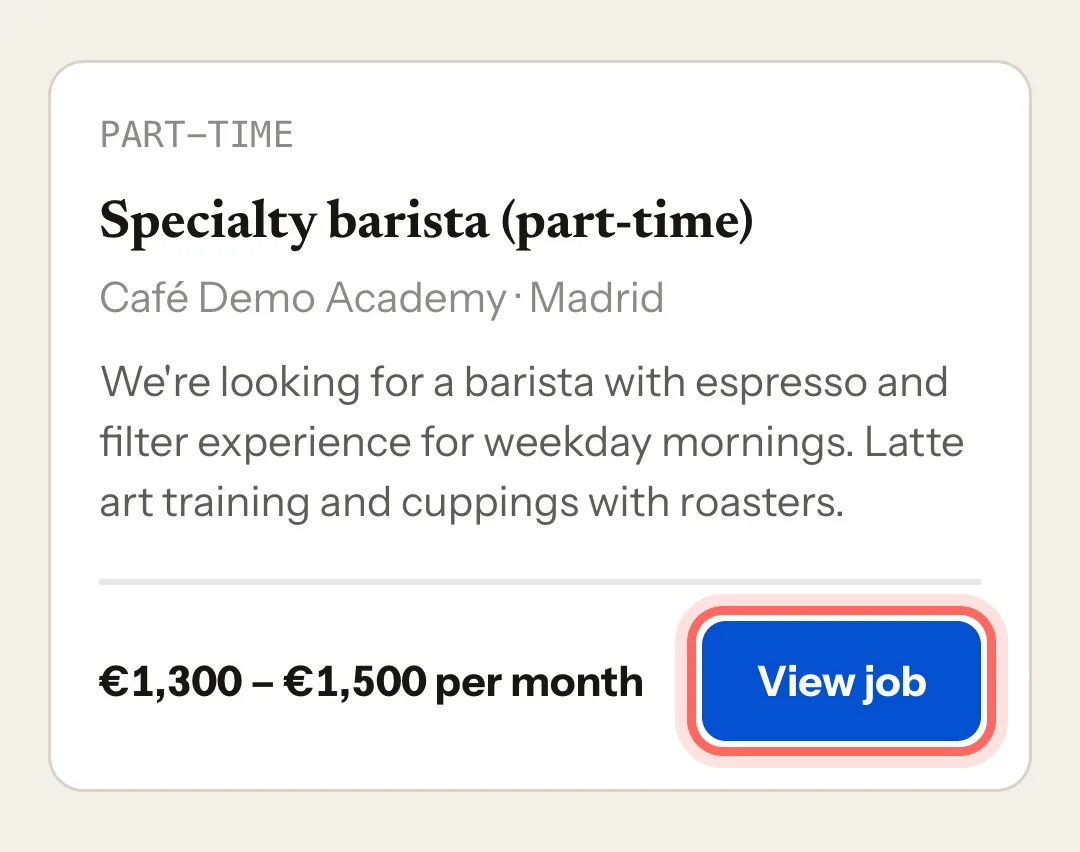
Each job card shows the contract type, the role, the business, the city and the salary (or Salary not specified). Some carry a Featured label.
Tap View job.
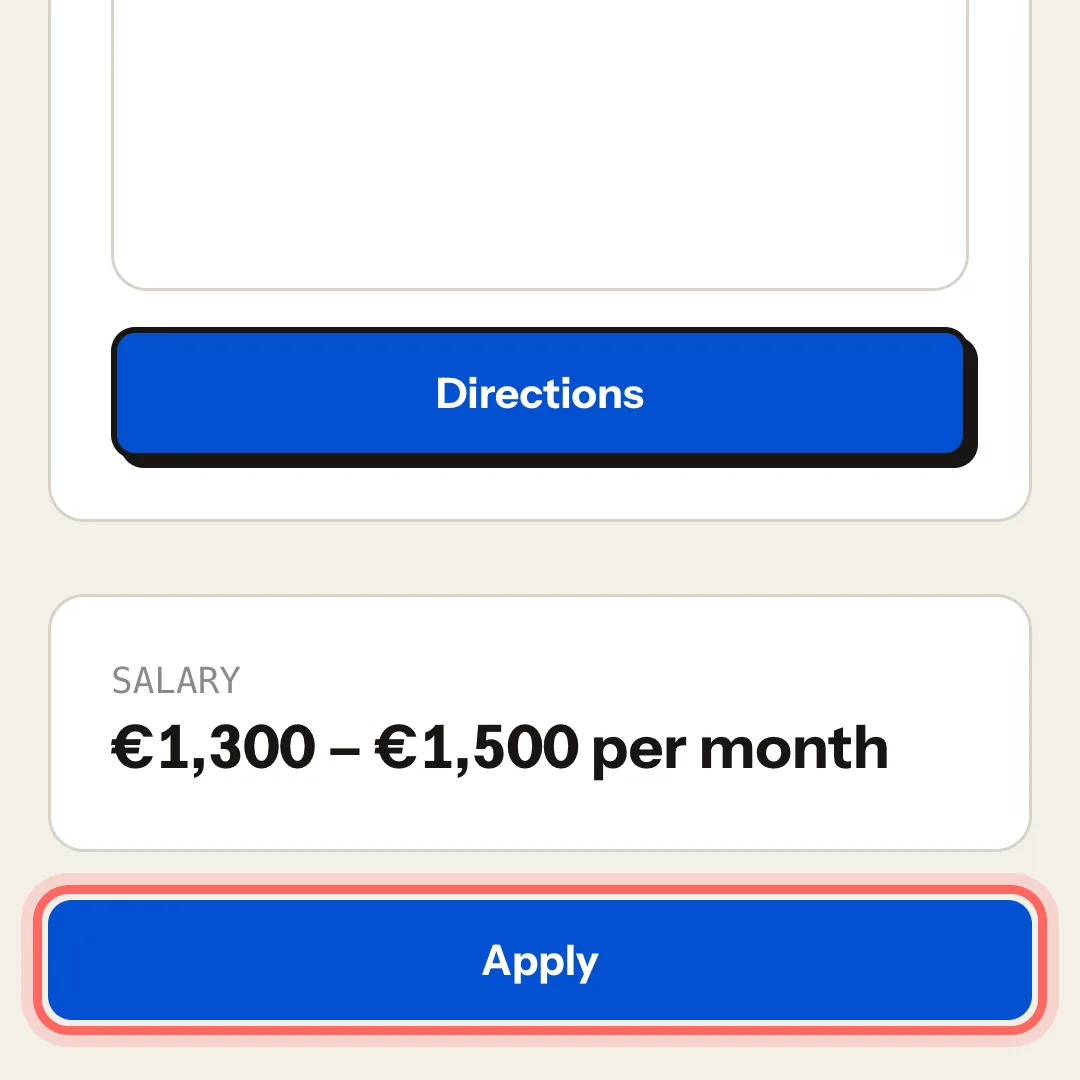
Read About the role, Location and Salary.
3. Send your application
Tap Apply. Depending on what the coffee shop chose, one of two things happens:
The company's website opens. The coffee shop handles applications in its own system. Follow its steps there. This application won't show in your My Coffee Guide account.
The "Apply" form opens.
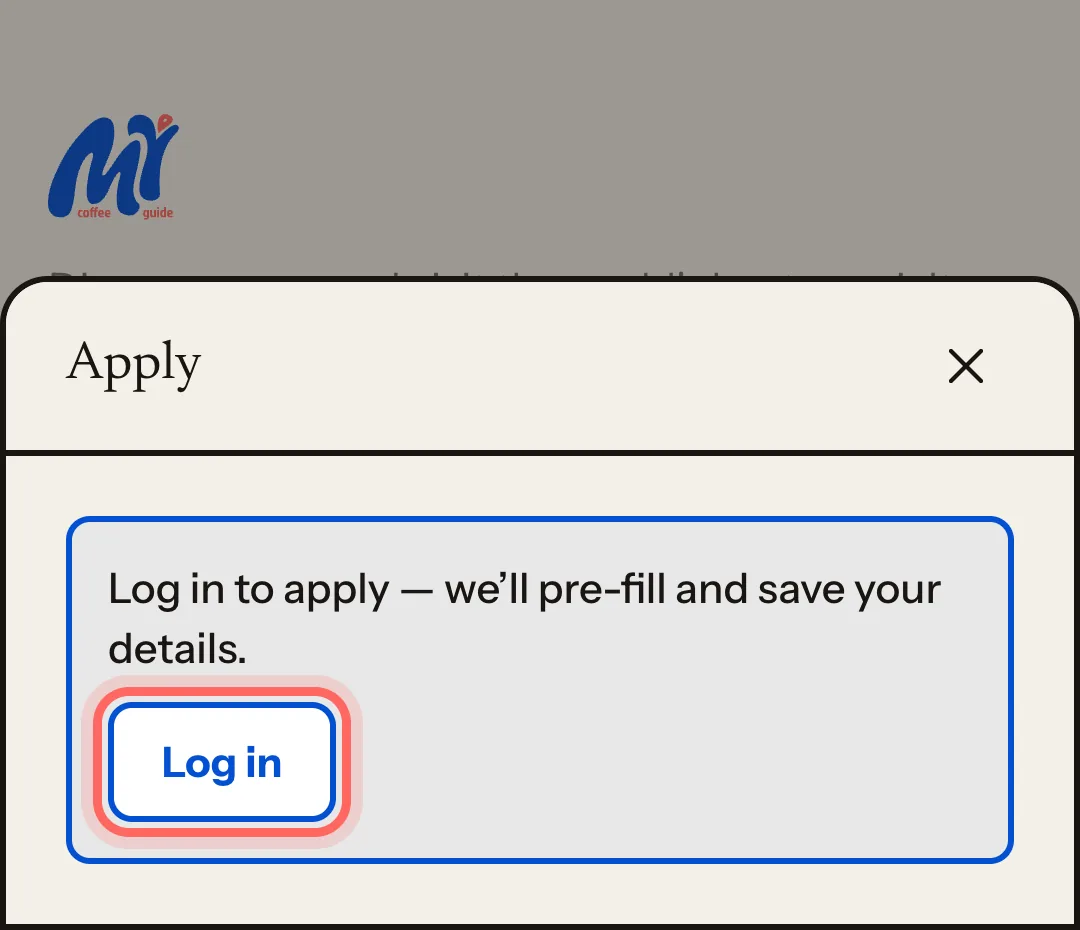
If you're not signed in, you'll see Log in to apply — we'll pre-fill and save your details. Tap Log in: afterwards you return to the same job.
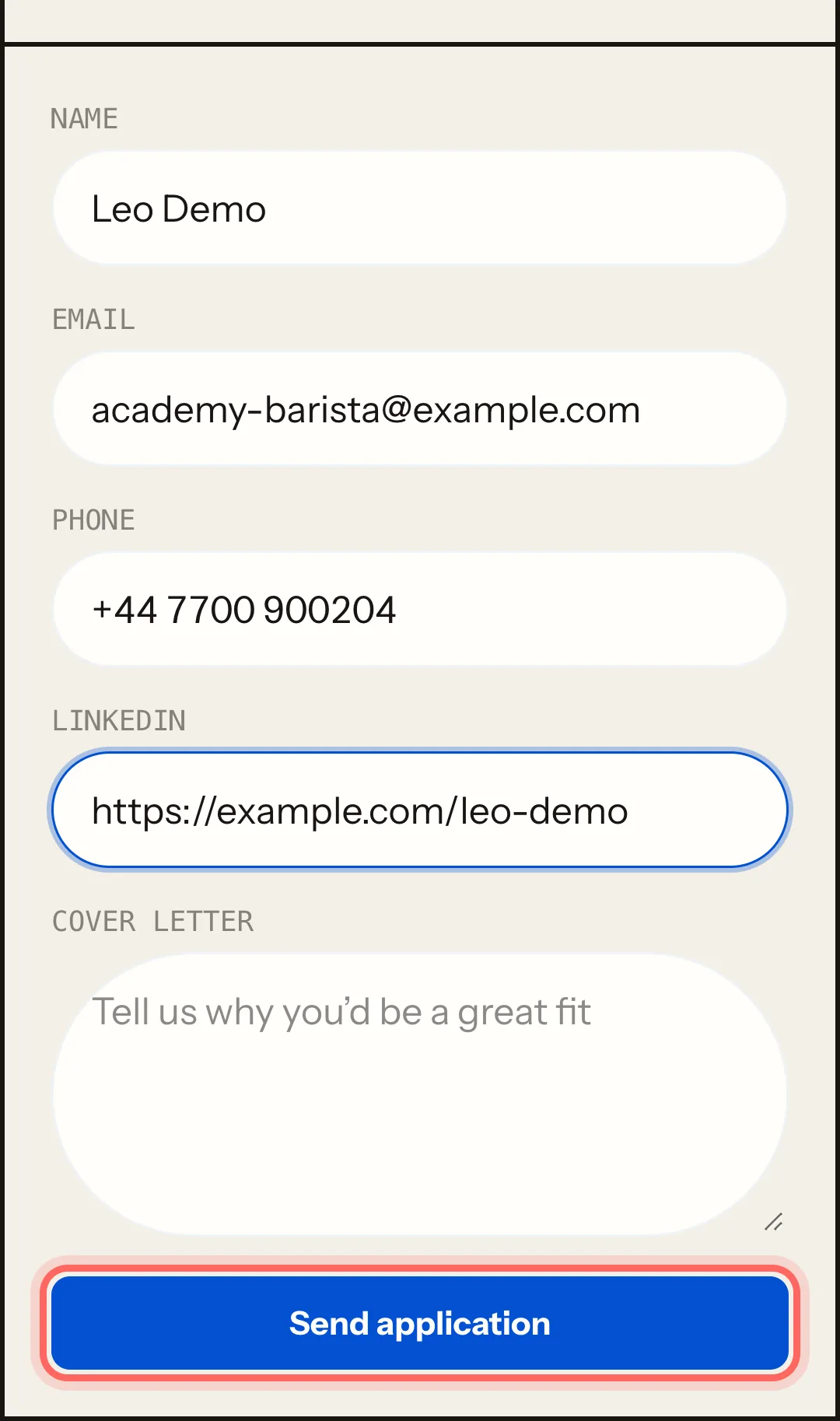
Name and Email are already filled in from your account.
Fill in whatever the coffee shop asks for: Phone, LinkedIn, Portfolio / social, Cover letter or CV / resume.
Tap Send application.
You'll see Application sent! The coffee shop will be in touch.
What happens next
- You get an email with the subject Application sent and a copy of what you sent.
- The coffee shop receives your application and contacts you directly with the details you gave.
- The application appears in My account, under Jobs. See Track your applications.
Common issues
I see "You have already applied to this opening." You can only apply once to each job. Your earlier application has already reached the coffee shop.
I see "That file is over 5 MB." Export your CV again as a lighter PDF (without large photos) and upload it again.
I see "The CV didn't upload. Try again." Check your connection and choose the file again. It must be a PDF, DOC or DOCX.
I made a mistake and already sent it. Applications can't be edited or withdrawn. Reply to the coffee shop when they write to you, or find them on the guide and contact them directly.
这篇指南有帮助吗?